Menu Bar Pad
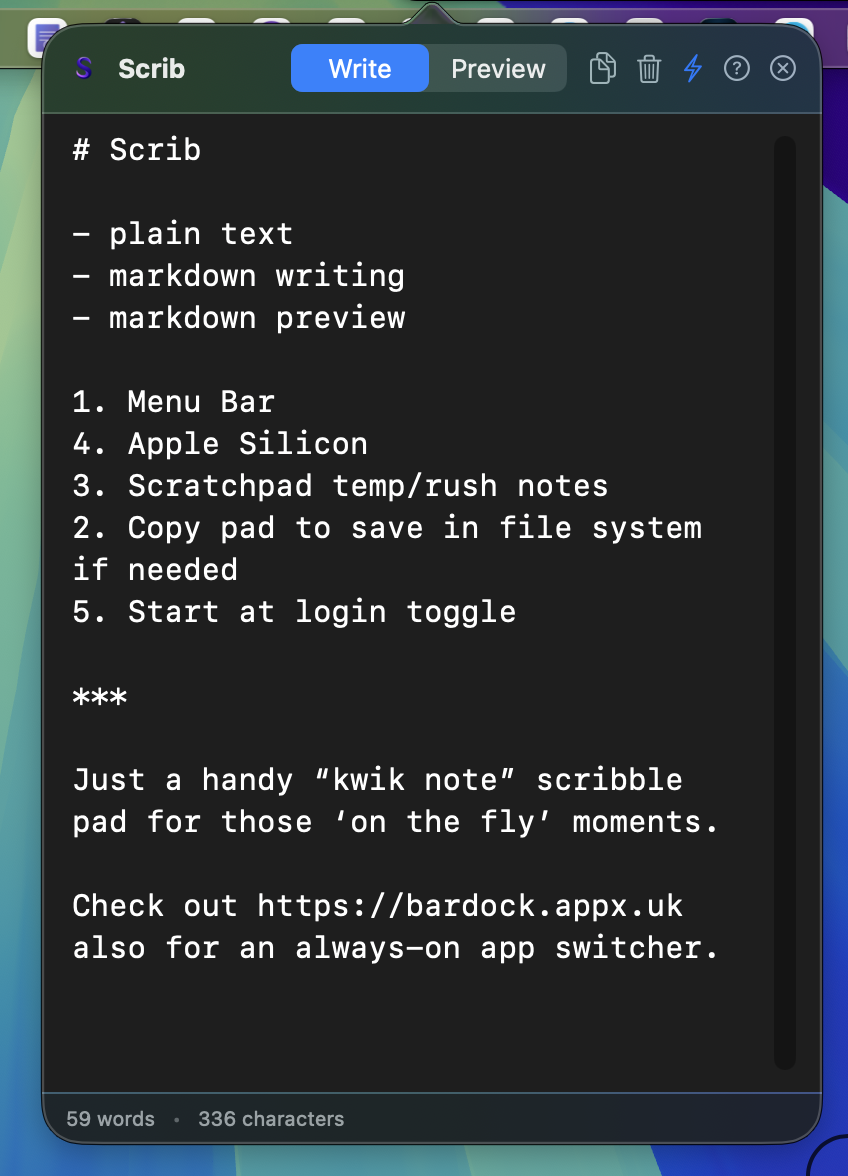
Click the Scrib icon and jot down text in a narrow, focused pad that gets out of the way when you click elsewhere.

A small macOS menu bar scratch pad for quick Markdown notes, passing thoughts, and temporary text you want nearby without creating another file.
Download ScribFor Apple Silicon Macs. Direct download, no App Store required.
Click the Scrib icon and jot down text in a narrow, focused pad that gets out of the way when you click elsewhere.
Switch between writing and previewing Markdown for headings, lists, rules, and quick structured notes.
Scrib keeps one internal autosaved pad in Application Support, without scattering note files across folders.
Copy the whole pad when you want to keep it, or clear it with confirmation when the thought has moved on.
Also check out Bardock for a mac native Silicon always-on app switcher